Reps get a limit. You approve the rest.
Set a discount limit per project. Reps can offer up to it on their own. Anything above it waits for an owner, admin or manager, who sees the list price, the offer and the reason, then approves all, part or none.
A recreation of LeadOne AI HQ's Approvals screen. A manager opens a rep's ₹2,50,000 discount request for unit A-101, approves up to ₹1,50,000 with a note, and the decision moves to History.
Approvals
Discounts and prices above the limit for reps
Limit for reps · Sai Residency
The most a sales rep may take off the list price (as a share of the agreement value) before a quote needs approval.
Up to 2% without asking.
- Discount of ₹2,50,000 · 4% of listWaitingUnit A-101 · Sai Residency · Rahul Verma · LeadRohan Desai07 Oct 2026, 11:20 AM
- List price (AV)
- ₹62,50,000
- Offered (AV)
- ₹60,00,000
- Discount
- ₹2,50,000
- Quote total
- ₹68,70,000
“Buyer is booking A-101 and A-102 together; matching the offer at the neighbouring project.”
- Lower price of ₹1,84,500 · 3% of listWaitingUnit B-102 · Sai Residency · Karan Mehta · LeadNeha Sharma07 Oct 2026, 10:05 AM
- List price (AV)
- ₹61,50,000
- Offered (AV)
- ₹59,65,500
- Rate
- ₹6,400 vs ₹6,605 / sq ft
- Quote total
- ₹66,20,000
“Corner flat facing the road; buyer asked for the floor 1 rate.”
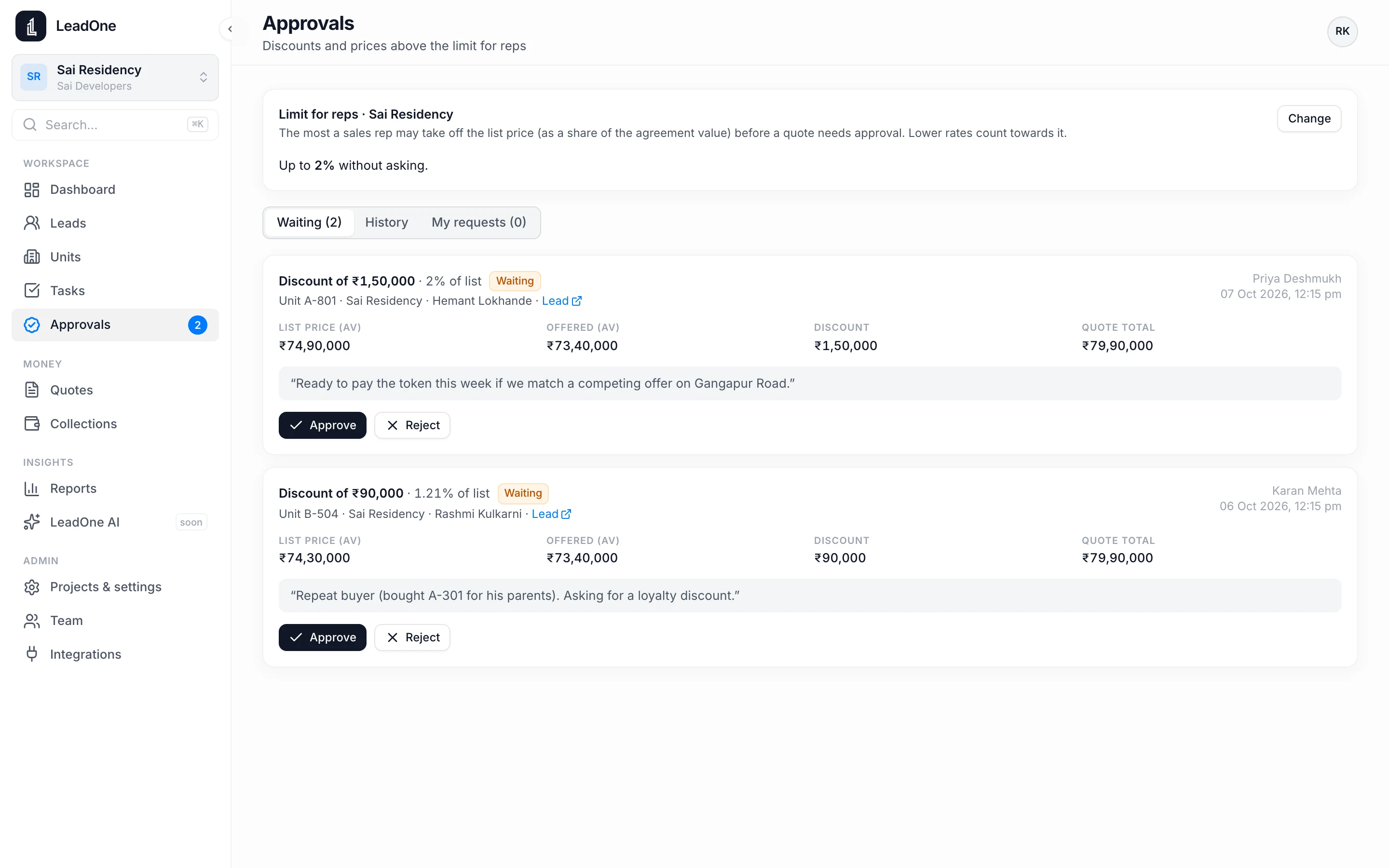
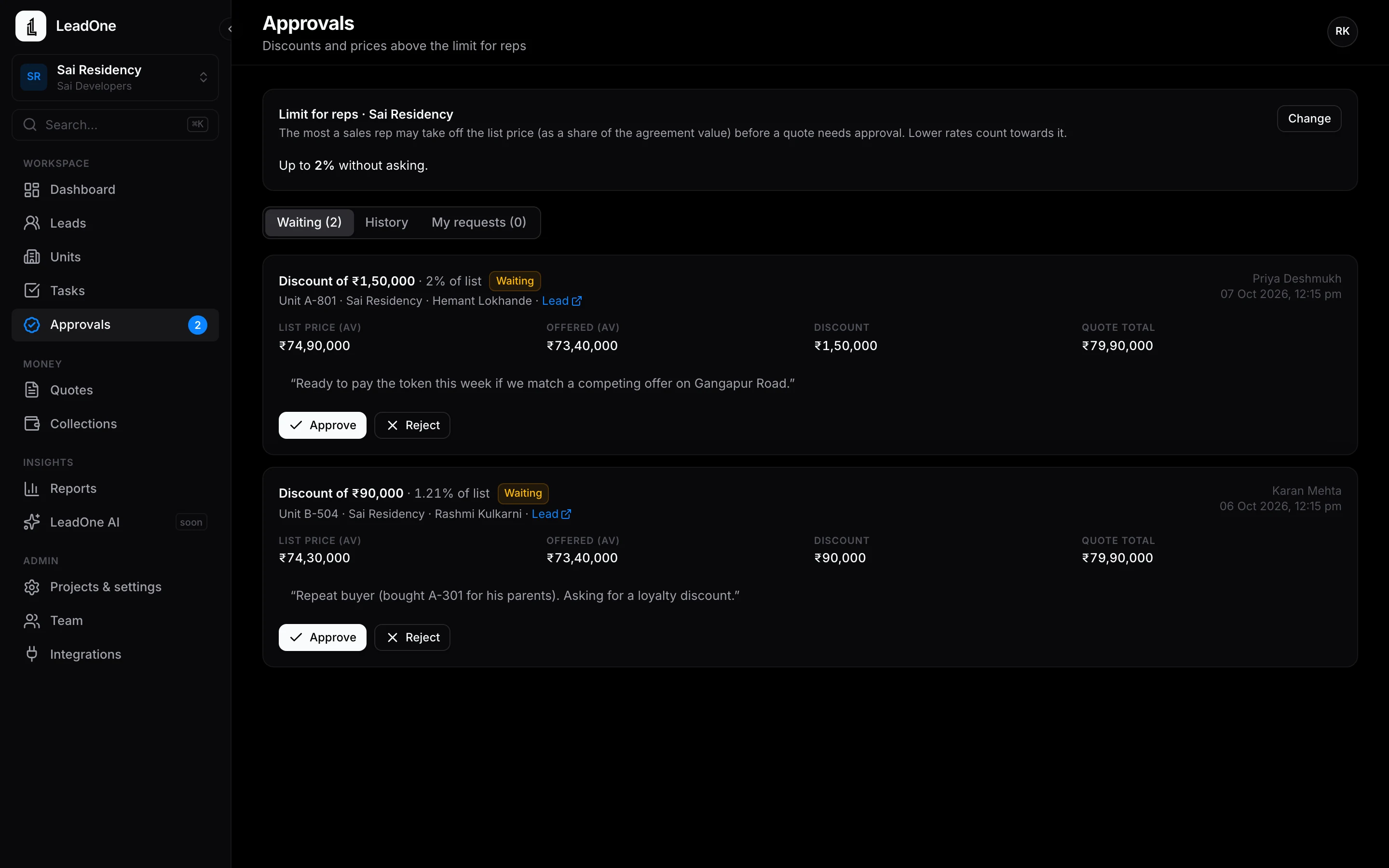
Discounts above a rep's limit wait for a manager, with the list price, the offer and the reason.
Discount and price approvals
- Discount limit set per project, as a percentage
- Set it to zero to approve every discount yourself
- Approvals list with the list price, the offer and the rep's reason
- Approve in full, in part or reject, with a note
- The rep's quote unlocks with the approved amount filled in
- Every decision recorded in the audit log
How it works
- Rep asks
The rep enters the discount and a reason in the quote.
- You decide
The request appears in Approvals. Approve, part-approve or reject.
- Quote unlocks
The rep sends the quote with the approved price.
Questions
Who can approve?
Put your next launch on LeadOne AI.
hello@leadoneai.com
 Android: coming soon to Google Play